Install the replacement foam yourself
Order replacement foam from us and install it in your existing Pelican case.

Custom-cut foam for business equipment
Keep the case. Update the interior.
We design, cut, and manufacture replacement foam for companies using Pelican cases. Replace worn foam or plan a new layout for changed equipment. We review your case and equipment, recommend the foam and keep the approved design for future orders.
Free design & quoting. No obligation.

We plan the replacement around your case model, usable interior space and equipment.
See the proposed interior and request changes before you approve production.
Use the same layout for later orders, with changes reviewed when equipment or case details change.
Ways to order
Order replacement foam from us and install it in your existing Pelican case.
Ship us your case. We remove the old foam and glue the new foam in place.
LiDAR case retrofit
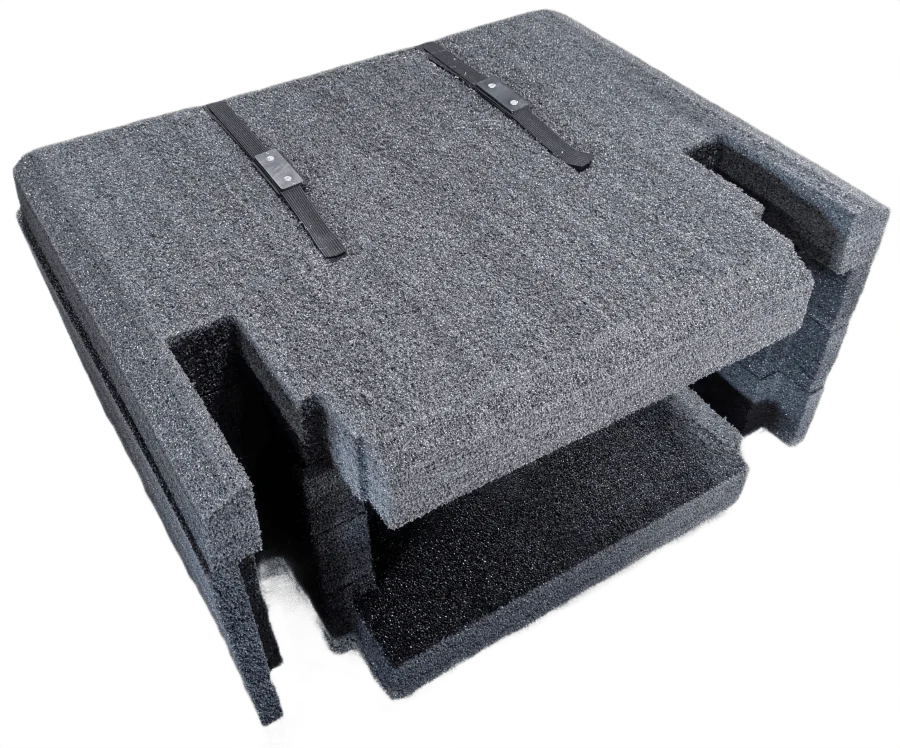
A LiDAR rental company already owned Pelican 1690 cases. Its original foam was wearing down, and accessories travelled in a separate box. We designed a replacement interior so the main unit and accessories could travel together.
The approved layout holds 20 components in 13 pockets, using different pocket depths and storage in the lid.
Three digital design rounds and two physical prototypes helped refine the fit, lid clearance and retention.
We have now shipped 30 units toward the planned 40-case retrofit.
Your options
The new interior needs to fit the case as well as the equipment. We review the space available, what needs support and which parts of the existing interior you want to keep.
Common applications
Custom replacement foam can help when the case still suits the job but the interior needs to change.
Give equipment and accessories consistent locations for packing, use and return.
Review a new component, accessory or packing arrangement within an existing case.
Carry an approved interior forward for additional matching kits, with revisions checked before new inserts are made.
Our process
Start with the information you have. We help work out the layout and review it with you before production.
Tell us which Pelican case you use and what needs to fit. You do not need CAD files or a finished layout to get started.
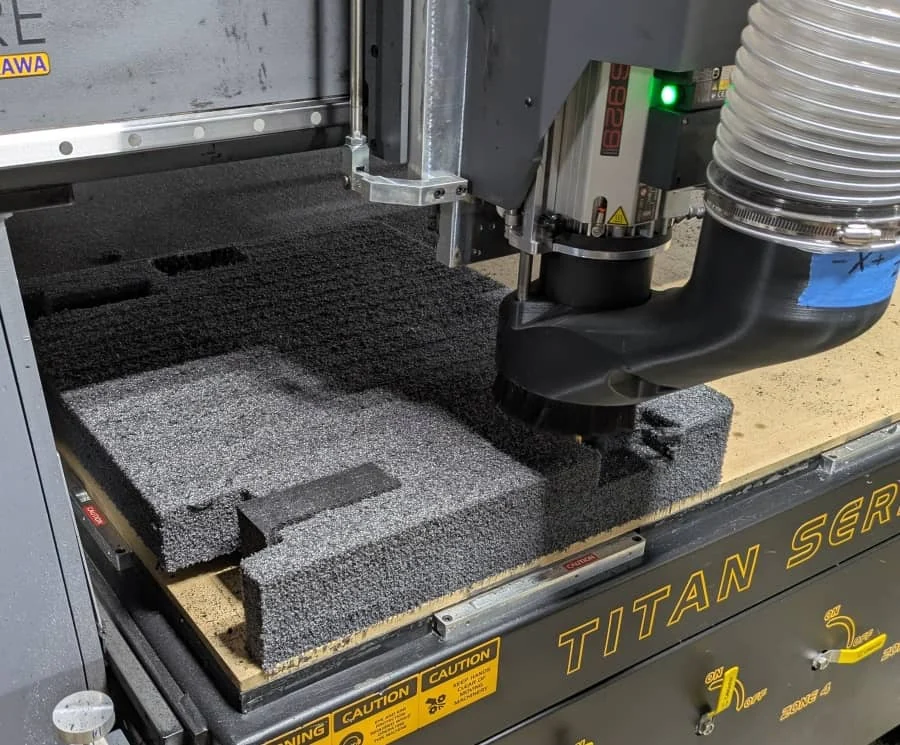
We recommend the foam and cutting method. Review the proposed interior, what will be supplied and the installation arrangements included in the quote.
If a physical fit check would help, we can quote a foam prototype. Review it with your equipment and approve any changes before production.
We cut the approved foam and retain the design and its revisions for later orders. Tell us about equipment or case changes before reordering.
Design assistance and quotes are free. Physical prototypes and production are quoted separately.
Frequently asked questions
Contact us to discuss product selection, design requirements or an order.
Start with a general project description and the information you have. Useful details include:
Drawings, photographs and 3D models can help, but you do not need finished files to start. Use the public form for general, non-sensitive information. Contact us before sending restricted technical files.
Tell us about your project
Tell us what you need to pack, how it will travel and when you need it. We can help you choose a case, foam insert or wood crate.