
Custom protective packaging · Oak Ridge, Tennessee · Since 1991 (865) 481-3801

Sensing, imaging and monitoring

ATA cases for sensing and imaging equipment.

Custom cases for instruments, accessories and repeated transport.

Vol Case builds custom ATA road cases for companies moving cameras, sensors, imaging systems and monitoring equipment. We plan the case size, supports and openings around the complete kit and how it travels between facilities, customer sites and field locations. We supply cases to companies nationwide.

Plan your case

Free design & quoting. No obligation.

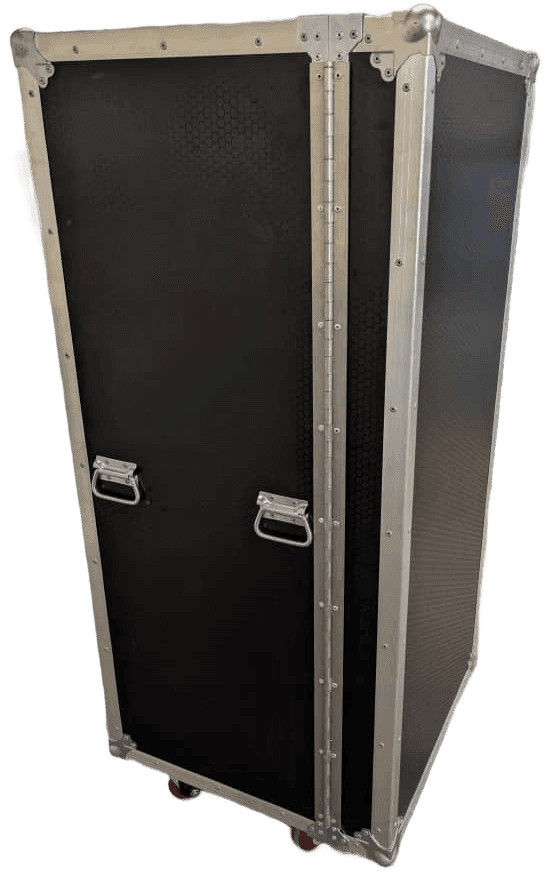
Tall closed black case with metal edging and recessed handles.

Support and clearance

Hold suitable surfaces while leaving lenses, sensor heads and connectors clear of pressure.

Access and organization

Choose openings, trays and shelves that make equipment and accessories practical to remove and replace.

Repeat use and repairs

Plan for return trips, retain the approved layout and ask us to assess damaged or worn cases.

Case construction

Build the case around the equipment.

An ATA case uses wood or plastic panels, metal edging and hardware to create a custom enclosure. We choose the panel thickness, finish and hardware for the equipment weight and intended handling.

  • Edges and corners

    Aluminum edging joins and protects the panel edges. Ball corners protect exposed corners during handling.

  • Recessed hardware

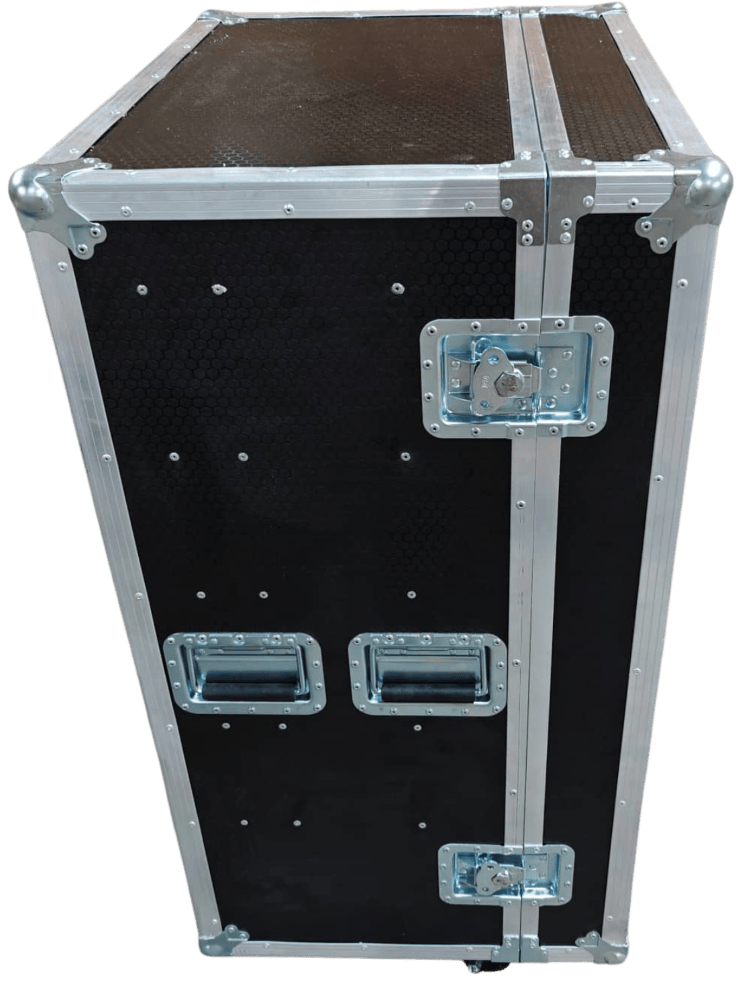
    Recessed handles and latches limit protrusions. Their positions need to work with the openings and the supports inside the case.

Explore ATA case construction
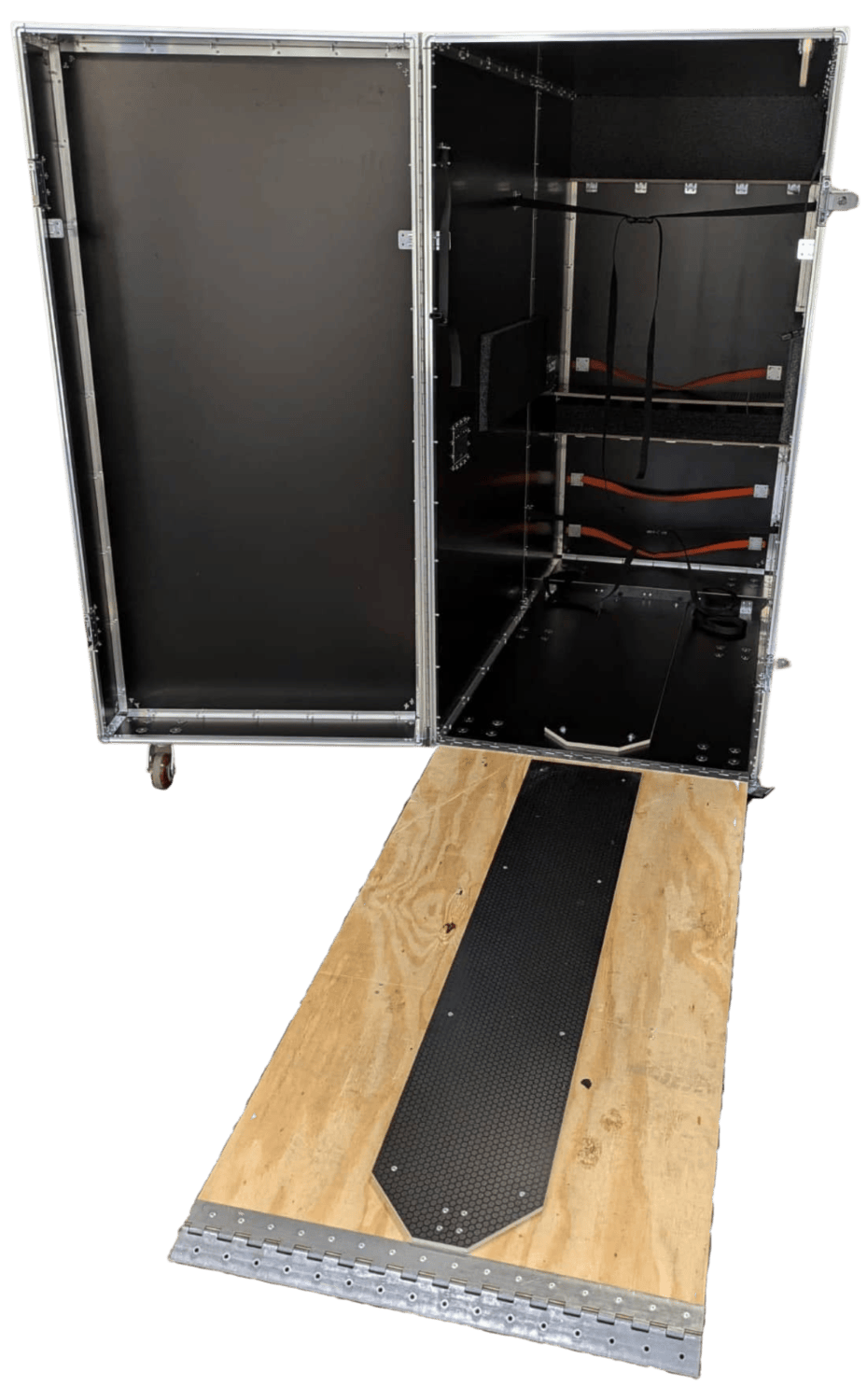
Open upright black case with internal straps and a lowered wooden ramp.

Equipment and handling

Plan loading configuration.

Plan around the full equipment set, including mounts, cables, adapters and optional accessories. Include the loaded weight and the space available to open the case.

Optics and sensitive features
Show where the equipment can safely rest or be secured. Identify lenses, sensor heads, connector pins, alignment surfaces and other areas that must remain clear of the foam or case.
Loading and setup access
Tell us how the main assembly will be lifted and which parts are removed first. Include clearance for covers and any access required while the equipment remains in the case.
Transport and return trips
Describe vehicles, floor surfaces, doorways, storage and who repacks the kit. Tell us if optional components or rental returns change what travels together.
Handling and protection requirements
Share the manufacturer's handling limits, required transport tests and exposure to moisture, dust or temperature changes. Include material and static-control requirements before design.

Your options

Choose the interior, openings and handling features.

Each option has a practical job. We combine them around the equipment and the people who will pack, move and unpack it.

Support and organize the kit

  • Foam lining and fitted cutouts

    Foam can line the case or form pockets around individual devices and accessories. PE, PU and XLPE are available in different densities and colors. We choose CNC routing or waterjet cutting to suit the foam and pocket features; PU foam is waterjet cut.

    Explore custom foam
  • Dividers, trays and shelves

    Separate mounts, cables, adapters and spare parts from the main equipment. Trays and shelves can keep items accessible at different levels.

  • Static-sensitive electronics

    Anti-static foam options are available to meet any electrostatic discharge requirements.

  • Packing guides and optional components

    Labels or a packing guide can show where each item belongs. Foam plugs can fill unused pockets for a reviewed equipment variation, helping users distinguish optional components from missing parts.

Open, move and store the case

  • Hinged lids and removable panels

    A hinged lid stays attached when opened. A removable lid or side panel can provide a clear path to load the device or reach its controls.

  • Latches and locks

    Choose closure hardware for the opening and handling plan. Tell us if locking provisions are required so we can review the available options.

  • Handles and casters

    Options include spring-loaded or telescoping handles and swivel or recessed casters. We choose their arrangement for the loaded weight and how the case will be carried or rolled.

  • Stacking

    Stacking cases allows for more efficient packing in warehouses and trucks. If stacking is needed, we can discuss the stacking configuration and add caster cups to the design.

Common applications

Cases for optical instruments, sensors and field kits.

Each equipment group has different support and access needs. These are examples we can review, not a single standard layout.

Industrial cameras and optical assemblies

Plan support around the main body while keeping lenses and exposed optical surfaces clear. Include mounting hardware, cables and the room needed to grip components without touching delicate areas.

Read precision instrument packaging guidance
Sensing and monitoring systems

Organize sensor heads, control modules and data acquisition equipment with their power and connection accessories. Separate loose hardware from sensitive electronics.

Metrology and alignment equipment

For inspection instruments and laser alignment systems, identify support points and the transport position of attached parts. Share the manufacturer's handling limits and checks required before the equipment returns to use.

Field service and installation kits

Keep tools, measurement devices, mounts and adapters in defined locations. Plan the unpacking order and a clear way to check the contents before the team leaves a customer or field site.

Our process

Check the layout for packing, use and return trips.

Design and quoting are free, with no purchase obligation. We work through the case size, access and interior before you approve production.

  1. Share the equipment details

    Send the complete equipment list, dimensions, weights, drawings or photographs, quantity and required date. Identify optional parts, handling limits and material or test requirements.

  2. Review the design

    Check support areas, clearances, openings and hardware positions. Review the packing sequence with the people who will load, use and repack the kit.

  3. Check and approve

    We revise the design from your feedback. If a physical prototype would help check fit or handling, we quote it separately. You approve the final design before production.

  4. Build and retain the design

    We build from the approved design and retain production information for later orders. Confirm the equipment version and accessory list so changes can be reviewed before another run.

Production timing depends on the design, materials, quantity and approval date. Share the delivery schedule early so we can review it with the project.

End view of a black case with two recessed handles and latches.

Frequently asked questions

Sensing and imaging ATA case questions.

Contact us to discuss product selection, design requirements or an order.

We use the equipment manufacturer's handling limits to plan support and clearance, but the case alone does not establish that alignment or calibration will be retained. Identify any required transport tests and complete the checks specified by the instrument manufacturer.

Tell us about your project

What do you
need to protect?

Tell us what you need to pack, how it will travel and when you need it. We can help you choose a case, foam insert or wood crate.

  • Free design and quoting
  • Direct access to our team
  • No obligation to purchase
Prefer to talk?(865) 481-3801

Start your project

Provide a general project description. Do not include CUI or export-controlled information.

PDF, images, CAD files, or ZIP. Up to 5 files, 20 MB each. ZIPs may contain up to 20 files, totaling 20 MB when opened. No password-protected or nested ZIPs.

Use non-sensitive sample files only. Do not attach CUI or export-controlled technical data. Contact our team to arrange an approved transfer method.